Solution guide · GoHighLevel
GoHighLevel Google Business Profile not connecting? Why it fails and how to fix it
Why GoHighLevel will not connect to your Google Business Profile, or stops syncing reviews, messages and calls, and the exact steps to fix each cause.

Key takeaways
- Most GoHighLevel Google Business Profile connection failures come from the Google account, not GoHighLevel: it is not an Owner or Manager of the profile, or the profile is not verified.
- The connection is made inside each sub-account under Settings → Integrations → Google Business Profile, never at agency level.
- If the card says Connected but reviews or features fail, look for a missing-permissions warning and click Reconnect, ticking every permission Google asks for.
- Google switched off Business Profile chat on 31 July 2024, so Google messages will never appear in Conversations again; add a GoHighLevel text or WhatsApp number to the profile instead.
- GBP call tracking needs a phone number in the sub-account; without one the integration cannot complete.
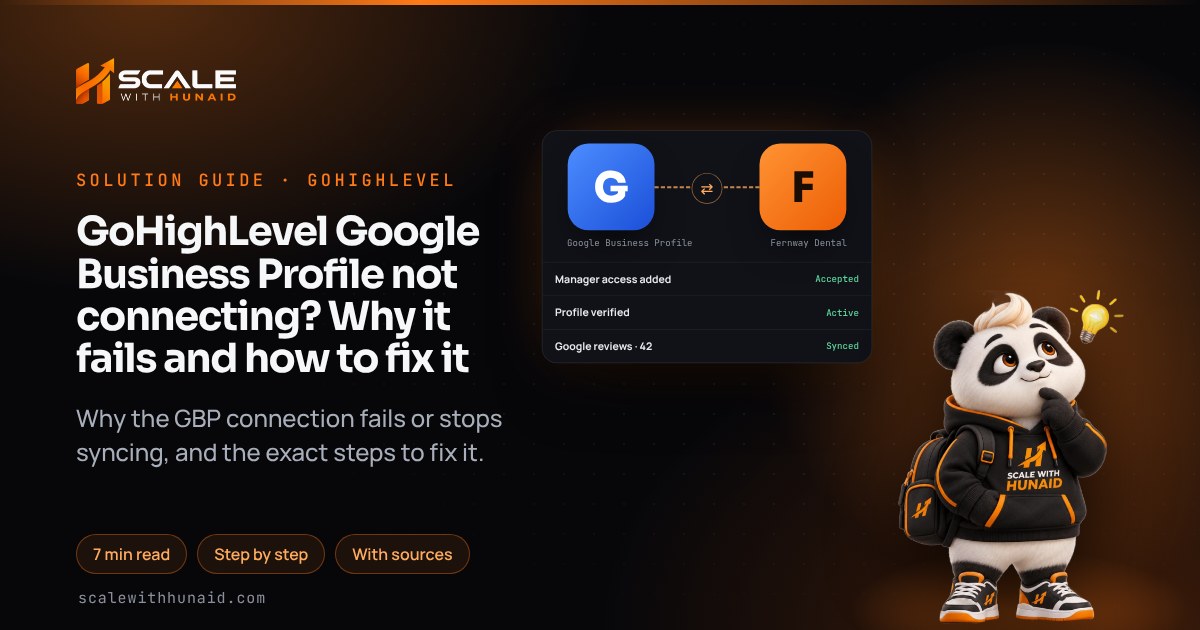
When GoHighLevel will not connect to a Google Business Profile, the problem is nearly always on the Google side: the account you signed in with is not an Owner or Manager of the profile, the profile is not verified, or Google never got every permission it asked for. Fix the account and the access, then reconnect inside the sub-account, and the reviews, calls and posts start flowing.
This guide covers where the connection lives, every common cause with its fix, what to do when the card says Connected but nothing syncs, why Google messages vanished from Conversations, and how GBP call tracking works. It is the checklist I run when I connect client profiles during a GoHighLevel CRM setup.
How the GoHighLevel Google Business Profile integration works
The integration lives in each sub-account, not at agency level. As of November 2026, HighLevel’s setup article puts it under Settings → Integrations → Google Business Profile. You sign in with Google, pick the location from a list (searchable by page name, store code, postcode or locality), and choose whether to switch on GBP Call Tracking. A working connection shows a green Connected status, a refresh option and a Manage Pages control.
Once it is connected, HighLevel uses the same Google authorisation across features. Listings reuses the token if GBP was already connected in Social Planner, and Reputation pulls reviews only from channels integrated at sub-account level. One broken token can therefore stop reviews, listings and posting at the same time.
Fails
- Avoid: Personal Gmail, no profile role
- Avoid: Profile still pending verification
- Avoid: Permissions unticked at sign-in
- Avoid: Connected at agency level
- Avoid: No phone number in sub-account
Connects
- Do: Owner or Manager account
- Do: Verified, active profile
- Do: Every permission allowed
- Do: Connected inside the sub-account
- Do: LC number ready for tracking
Why GoHighLevel will not connect to Google Business Profile
Here are the causes I see, in the order I check them, with the fix for each.
| Symptom | Cause | The fix |
|---|---|---|
| No locations in the list | Google account has no role on the profile | Add the account as Owner or Manager in Google, accept, reconnect |
| Sign-in window never opens | Browser pop-up blocker | Allow pop-ups for the app domain, click Connect again |
| Connect fails or location greyed out | Profile not verified, suspended or disabled | Finish verification or appeal, then connect |
| Connected, but reviews or posts fail | Missing permissions on the token | Click Reconnect on the warning, allow every permission |
| Integration will not finish with call tracking on | No phone number in the sub-account | Buy or assign a number in Phone Numbers, then reconnect |
| Google messages gone from Conversations | Google switched off chat in July 2024 | Add a GoHighLevel text or WhatsApp number to the profile |
Cause 1: the Google account has no role on the profile
HighLevel says the Google account must have Owner or Manager access to the GBP location, and if no locations appear you should connect an account that has access. Agencies often sign in with their own Gmail, which has never been added to the client’s profile.
Fix:
- Ask the profile’s owner to open their Business Profile and go to More → Business Profile settings → People and access, as described in Google’s owners and managers help.
- Click Add, enter the email of the Google account you will use in GoHighLevel, set Access to Manager (or Owner) and click Invite.
- Open the invitation email from that account and accept it.
- Wait a few minutes, then in the sub-account go to Settings → Integrations → Google Business Profile and connect with that account.
Managers can do almost everything owners can, but Google says only owners can add or remove users. If nobody can reach the primary owner, note that new owners and managers must wait 7 days before they can receive primary ownership.
Cause 2: the profile is not verified, or it is suspended
An unverified profile cannot be managed through the connection. Google says verification reviews take up to 5 business days, occasionally longer, and that most postcard codes arrive within 14 days and expire after 30.
Fix:
- Sign in at business.google.com and check the profile status.
- If it says verification is needed, complete the method Google offers (video, phone, text or postcard). Google chooses the methods; you cannot pick one that is not offered.
- If the profile is suspended or disabled, use Google’s appeals tool: select the profile, then the decision, add evidence such as a business licence or utility bill whose name and address match the profile, and submit.
- Connect to GoHighLevel only after the status shows as verified and active.
Google says an appeal can only be submitted once, and a further review needs new evidence, so get the documents right the first time.
Connected but reviews, posts or calls are not syncing
This is the most confusing version, because the card looks green. As of November 2026, HighLevel says to check Settings → Integrations → Google for a missing-permissions warning. The warning lists the missing permissions and the features they affect.
Fix:
- Go to Settings → Integrations in the affected sub-account.
- Open the Google Business Profile card and read any warning.
- Click Reconnect, sign in with the same Owner or Manager account, and allow every permission on the Google consent screen. Unticking one is enough to stop reviews.
- Open Manage Pages and confirm the right location is selected. Only selected locations sync with that sub-account.
- In Reputation, check the page status, review count and last sync. HighLevel notes that newly connected pages may take some time to sync review data.
- In Listings, look for an Action Required flag. HighLevel says syncing stops when a token expires, until you reconnect.
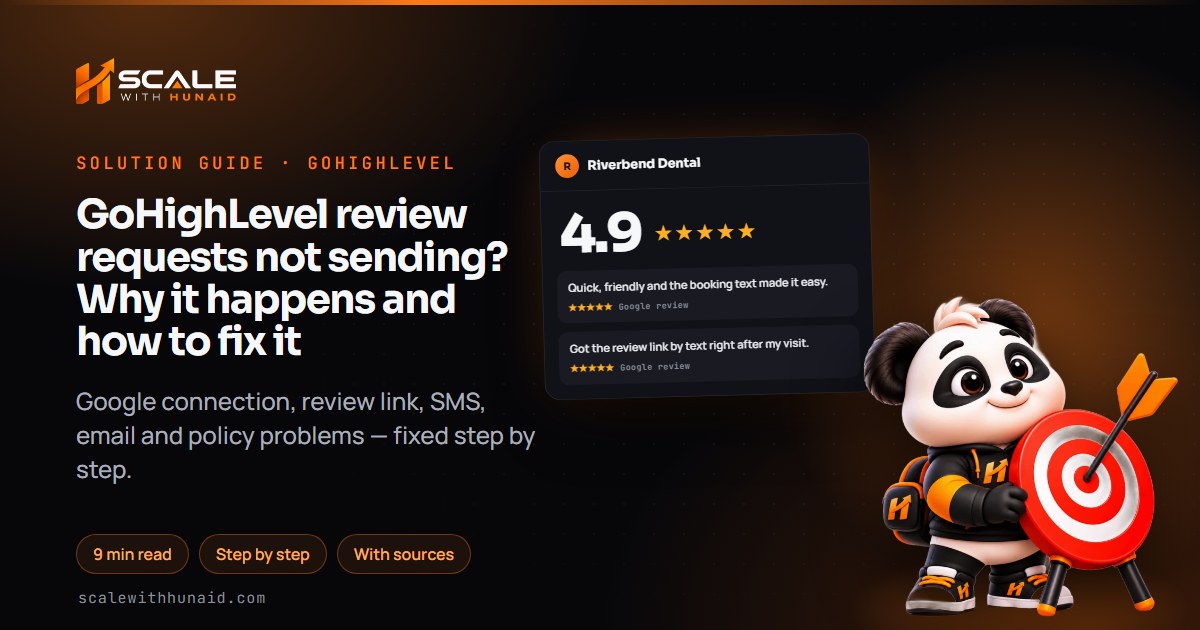
What fixed looks like: a green Connected status with no warning, the correct location in Manage Pages, and a new Google review appearing in Reputation. If reviews sync but customers are not leaving any, the problem is the request, not the connection; see review requests not sending.
Google Business messages not showing in Conversations
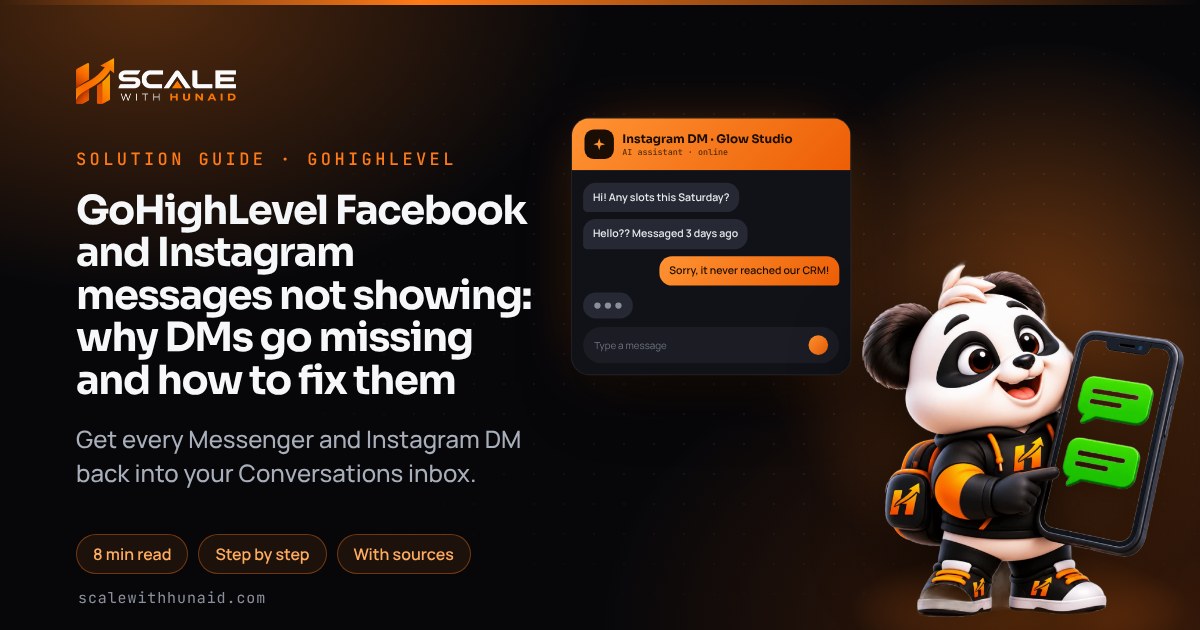
Nothing is broken here. Google switched off Business Profile chat and call history on 31 July 2024. Customers can still call you from the profile, but they can no longer message through Google, so those threads will never come back into GoHighLevel.
HighLevel’s replacement is to put your own channels on the profile. You can add a text or WhatsApp number to the listing from the GBP integration card.
Fix:
- Go to Settings → Integrations → Google Business Profile and open the messaging and social channels section.
- Choose a GoHighLevel number for Text or WhatsApp, or enter one in E.164 format (+1 and ten digits for US numbers).
- Save, then wait for Google to validate the number. HighLevel notes numbers may not show until Google has checked them.
- Text the number from your own phone and confirm it lands in Conversations.
Two rules from HighLevel’s channel article: only one messaging option shows publicly (Text wins if you add both), and only numbers integrated with GoHighLevel sync messages and trigger automations. A text number also needs A2P registration before it can reply reliably.
GBP call tracking not working or changing the wrong number
HighLevel’s call-tracking article explains what the toggle does. It moves the business’s current number to the secondary slot on the profile and puts a LeadConnector number in the primary slot, then forwards that number to the old one. If the profile already shows a LeadConnector number from the sub-account, nothing changes.
It picks the number in this order: the location’s dedicated number in Settings → Phone Numbers, then the first number with call forwarding on, then any available number. If the sub-account has no number, the integration will not complete.
Fix:
- Buy or assign a number under Settings → Phone Numbers and mark it as the location’s dedicated number.
- Set its forwarding to the business’s real phone.
- Reconnect GBP with GBP Call Tracking switched on.
- Check the profile in Google: the LeadConnector number should be primary and the old number secondary.
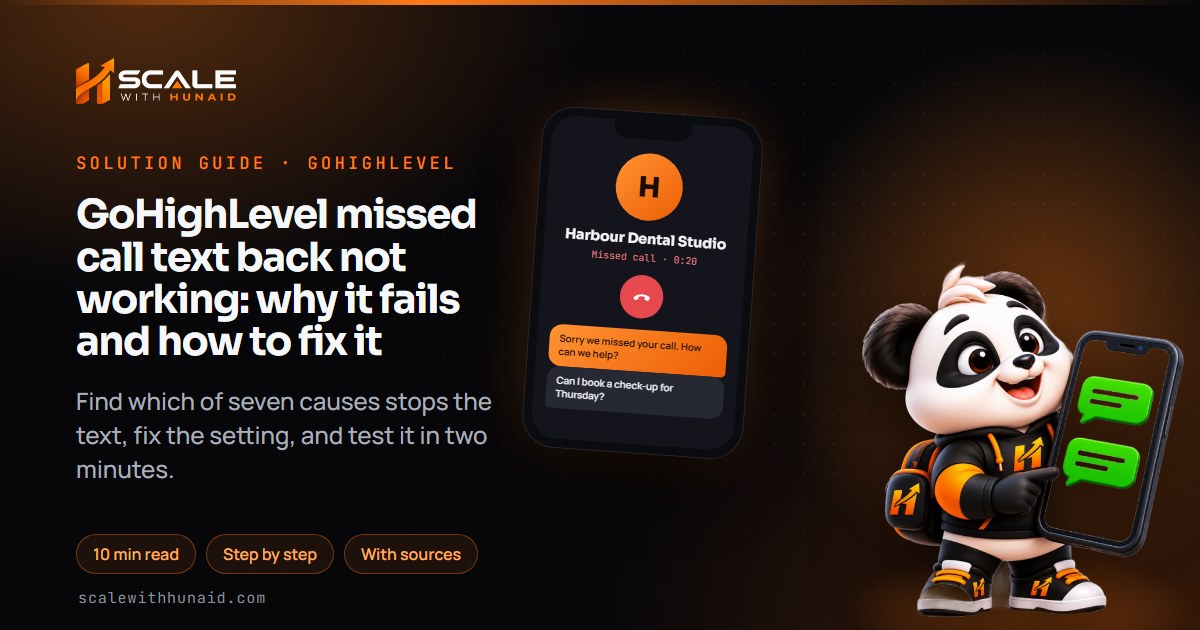
- Ring the listing number and confirm the call shows in GoHighLevel. To text back unanswered callers, turn on missed call text back; if it fails, see missed call text back not working.
How long the Google side can take
Most connection fixes take minutes. The waits come from Google’s own processes, so plan around them.
Maximum or typical waits. Verification and appeals are business days; the owner wait and postcard are calendar days.
Source: Google Business Profile Help: verification, appeals and primary ownership (as of November 2026)
Getting the connection right first time
- 1Check the profile roleOwner or Manager on the profile.
- 2Confirm it is verifiedVerified and not suspended.
- 3Connect in the sub-accountSettings, then Integrations.
- 4Allow every permissionUntick nothing on the Google screen.
- 5Add text or WhatsAppReplaces the old Google chat.
- 6Test a review and a callConfirm both reach GoHighLevel.
Next steps
If you want the profile, reviews, call tracking and messaging set up together, I do this as part of a GoHighLevel CRM setup, and I can tidy up Facebook and Instagram at the same time if those messages are missing too. The Google rules are the same in every state, whether your business is in Florida or California.

References
- Integrate Google Business Profile with HighLevel CRM — HighLevel Support Portal
- Communication and Social channel connection with GBP — HighLevel Support Portal
- Add Messaging & Social Channels to Google Business Profile — HighLevel Support Portal
- Call Tracking and Missed Call Text Back Through Google Business Profile — HighLevel Support Portal
- How to Integrate Multiple Review Platforms in HighLevel — HighLevel Support Portal
- Connect GBP & Facebook within Listings in HighLevel — HighLevel Support Portal
- Connect Multiple Google Business Profile Pages to a Sub-account — HighLevel Changelog
- Manage your Business Profile owners & managers — Google Business Profile Help
- Transfer primary ownership of a Business Profile — Google Business Profile Help
- Verify your business on Google — Google Business Profile Help
- Changes to Google Business Profile chat and call history — Google Business Profile Help
- Appeal Business Profile content & profile restrictions — Google Business Profile Help